/
Cycle through colors
Move to the previous or next color for the pen, highlighter, or shape tool.
 inkquation.
A PEN. A KEYBOARD. YOUR IDEAS.
Work through equations and calculations by hand.
Switch tools, colors, and stroke width with your other hand,
without moving the pointer away from your notes.
A handwriting notebook, made for macOS
01 / KEYBOARD SHORTCUTS
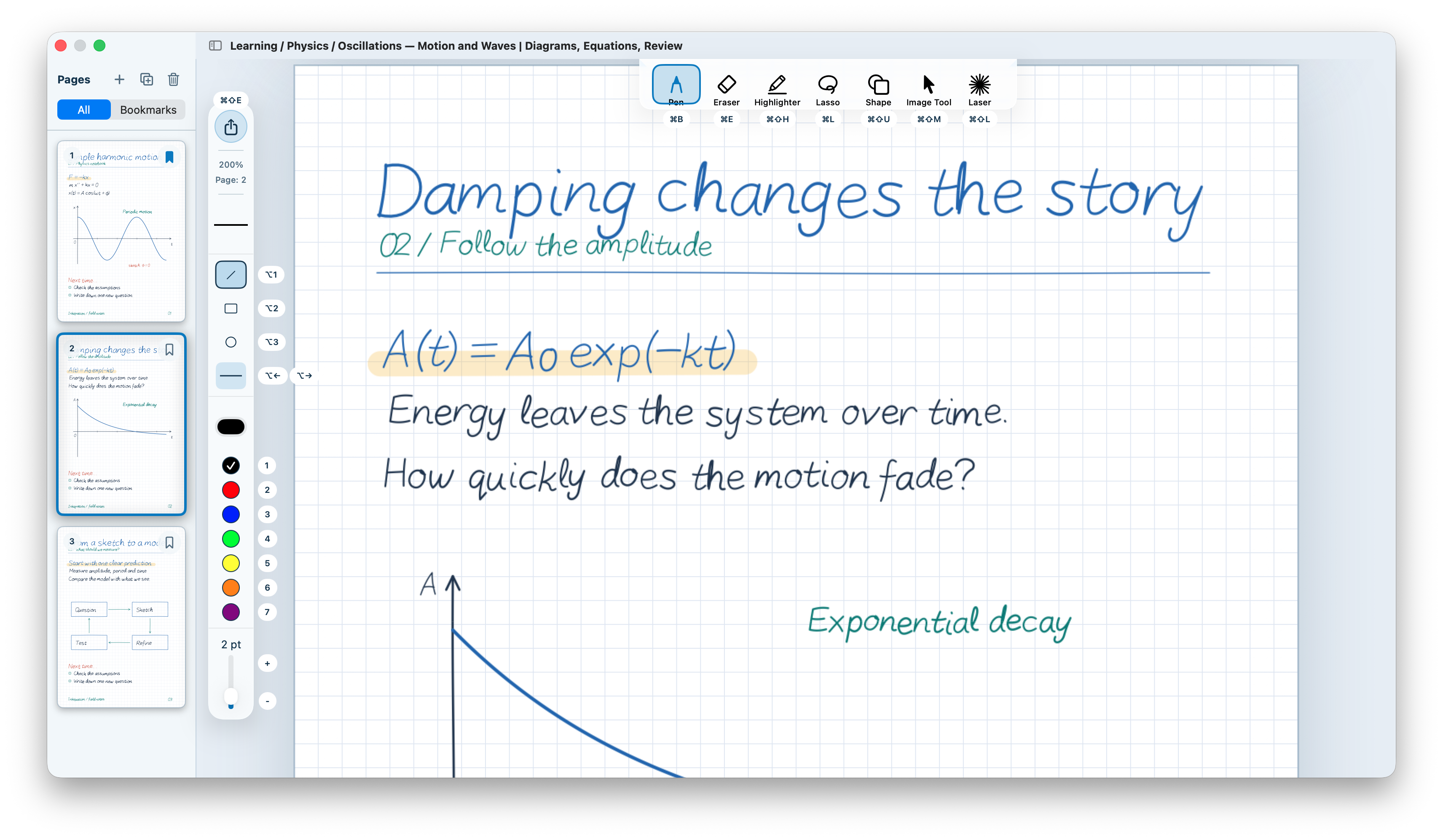
Keep drawing with your right hand while your left switches tools, changes colors and stroke width, turns pages, and zooms.
In Inkquation, open Settings → Shortcuts, choose Left-Hand Operation, then confirm to apply it.
Uses letter and number keys on the left side shared by US and Japanese (JIS) keyboard layouts.
Start with a preset, then change the shortcuts you use most. Edit individual key combinations in the app’s settings. Left-handed users can customize shortcuts for their right hand.
Keep controls on the left. Q, W, E, and R switch to the pen, eraser, highlighter, and lasso.
Examples from the app’s presets. Use these shortcuts in the note editor when you are not typing in a text field.
Actions for the selected preset · Left-Hand Operation
Move to the previous or next color for the pen, highlighter, or shape tool.
Change the width of the pen, highlighter, or shapes, or adjust the eraser size.
Release Space to return to your previous tool. Useful when walking someone through your notes.
02 / LEARN BY WRITING
Follow the in-app guide and practice in a real note. Try switching tools, drawing, and bringing erased lines back with your own hands.
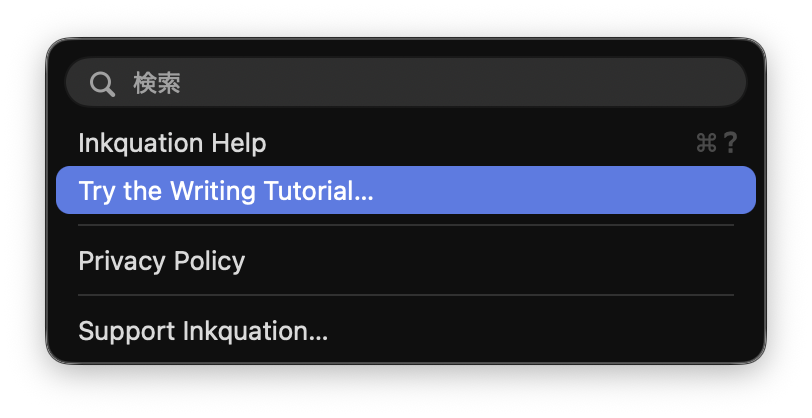
Follow the highlighted controls to create a note, check your shortcuts, and draw your first lines.
Draw shapes without leaving the pen and try a temporary laser pointer. Get a feel for using the keyboard as you write.
Choose which lines to erase, change your selection, then bring them back with Undo. Learn the editing flow by trying it.
Repeat the tutorial whenever you like. Your practice note stays in the library, and your edits are saved automatically.
03 / THE TOOLS
Start writing. Make changes as you go.
Keep the path from idea to page simple.
Shape fills and appearance editing after selection are planned for the next TestFlight update.
Write with the pen and mark with the highlighter. Lasso one or several strokes, then press and hold a red selected stroke to open a nearby appearance panel. Controls are grouped by type: color and width for pen strokes; color, width and opacity for highlights.
Draw lines, rectangles and ellipses with solid, dashed, wavy or double lines. Set outlines and fills for rectangles and ellipses, and change them after selection. Width and opacity sliders update the drawing immediately.
See your notebook at a glance with page thumbnails. Filter to bookmarked pages to get straight to the parts you want to revisit.
Set your pen and highlighter colors. Shape outlines share the pen palette, including color shortcuts and the Apple Pencil palette. Set fill colors in the appearance panel before drawing or after selecting a shape.
Set the default paper size, orientation, background, and line spacing for new notes, so you do not have to choose them each time.
Bookmarked pages are protected from page deletion by default. This protection does not apply to deleting an entire note.
Turn all pages of a lecture handout or paper into one note. Keep the original text size and add room for your own writing.
Margin settings are fixed when importing. They cannot be changed after import.
Drag one PDF from Finder to see its filename and preview automatically. You can also import from the toolbar or File menu.
Add no margins, or add space on all sides, the right, or the bottom. Adjust the width, check the note name and pages, then import.
Imported PDF pages start with their position and size locked, so the lasso can select just your handwriting above them. Right-click to unlock. The same lock works for images.
04 / AI INTEGRATION
Connect an external AI app through MCP, a protocol for connecting AI apps to tools. It can read an open page or lasso selection as an image and add PNG images, shapes and pen strokes to your notes.
In Inkquation, open Settings → AI Connection and allow connections. This is off by default.
Add the configuration from Settings to an MCP-compatible AI app on your Mac. It contains an access key; keep it private. See the AI integration guide for restart behavior and reconfiguration steps.
Keep Inkquation open, then ask the connected AI app to read a page or insert an image or shape.
Set up an external AI app and any account required by its service. If you use a cloud-based AI, the note content it reads may be sent to that service.
About AI connections and privacy05 / MAC + IPAD
Open Inkquation on your Mac and move the editor to your iPad with Sidecar. Write with Apple Pencil while your other hand uses the Mac keyboard.
Sidecar setup and Apple Pencil settingsSelect your iPad in your Mac’s display settings and connect it as an extended display.
Open a note in Inkquation on your Mac, then move its editor window to the iPad display.
Write in the note on iPad while using your Mac keyboard to switch tools, colors, and stroke widths.
06 / THINK IN EQUATIONS
Keep each step, diagram, and observation on the same page.
Write fractions, integrals, and subscripts directly with your pen. Keep the steps behind your result.
Use the grid to line up equations, with room for sketches and annotations.
Export equations and handwritten explanations together as a PDF, including the calculations along the way.
A little room to think.
One observation leads to the next idea.
Connect your ideas as you write.
24Line up your diagrams and equations.Paper illustration
AT HOME ON MACOS
Open notes in separate windows and write alongside your references.
Export finished notes as PDFs to use in other apps.
INK × EQUATION × IMAGINATION
For information about getting Inkquation
and its system requirements, get in touch.